DemoYou are the host. Nothing here is real and nothing you change is kept.Host viewGuest viewCleaner's pageStart free trial
AD
Settings
Apartamento Dunas
What the assistant should know
Anything about this place the guide does not say. Both assistants read it — the one your guests use and your own — so a question you have answered once is not asked again.
Not the door code or the Wi-Fi password. Those live on the Arrival tab, where they stay hidden until shortly before your guest arrives.
The link your channels send
One link for this property, the same for every booking. Paste it once into Airbnb's and Booking.com's own scheduled messages and they send it to every guest from then on — you never touch it again.
Paste this as the link
WhereAirbnb → Messages → Scheduled messages → new message → Add shortcode → Confirmation code
The highlighted part is the platform's own placeholder — it replaces it with each guest's reservation number, so they land straight in their stay without typing anything.
A message to go with it
Not required, but a link with no sentence around it looks like spam — and this is the one message a guest has no reason to trust yet. Written in English because the platform translates it and your guests come from everywhere; edit it however you like.
Hi {Guest first name}!

Your stay is coming up, and I've put everything in one place for you:

https://stay.demo.posadita.com/c/7f1f61d3-0ccf-4e35-b91c-45f18fbe7de5?ref={Confirmation code}

The address, how to get into the building, the wifi, and my own guide to the area. You can message me from there too.

If the link doesn't open your booking straight away, it will ask for your reservation number: {Confirmation code}

Looking forward to hosting you!
Welcome message
Your own words to a guest who has just booked. Shown at the top of their stay page.
Leave a blank line between paragraphs. Sign it however you like — it is your letter.
Door code
When the code on the booking becomes visible in the guest's portal. Until then they see a countdown, and the code is never sent to their browser.
Wi-Fi
The password unlocks together with the door code. It is stored encrypted and never shown back here.
How to get in
The numbered list a guest follows at the door. Leave it empty if you meet them in person.
1
How everything works
The guest's manual: the hob, the washing machine, the bins. Each entry gets its own page they can send to whoever is cooking.
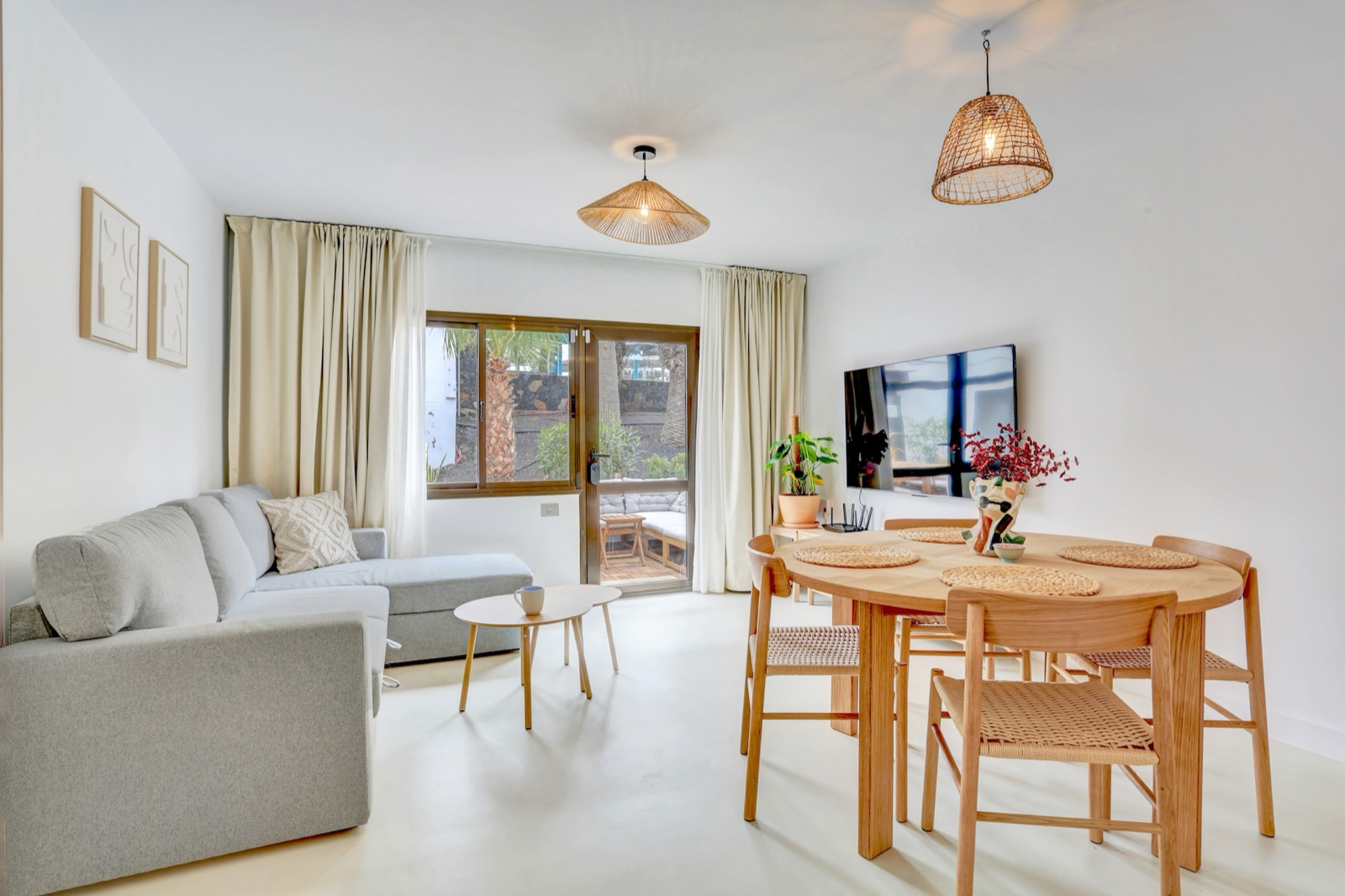
The name and the photo come from this room. Rename it on your booking page and this follows.
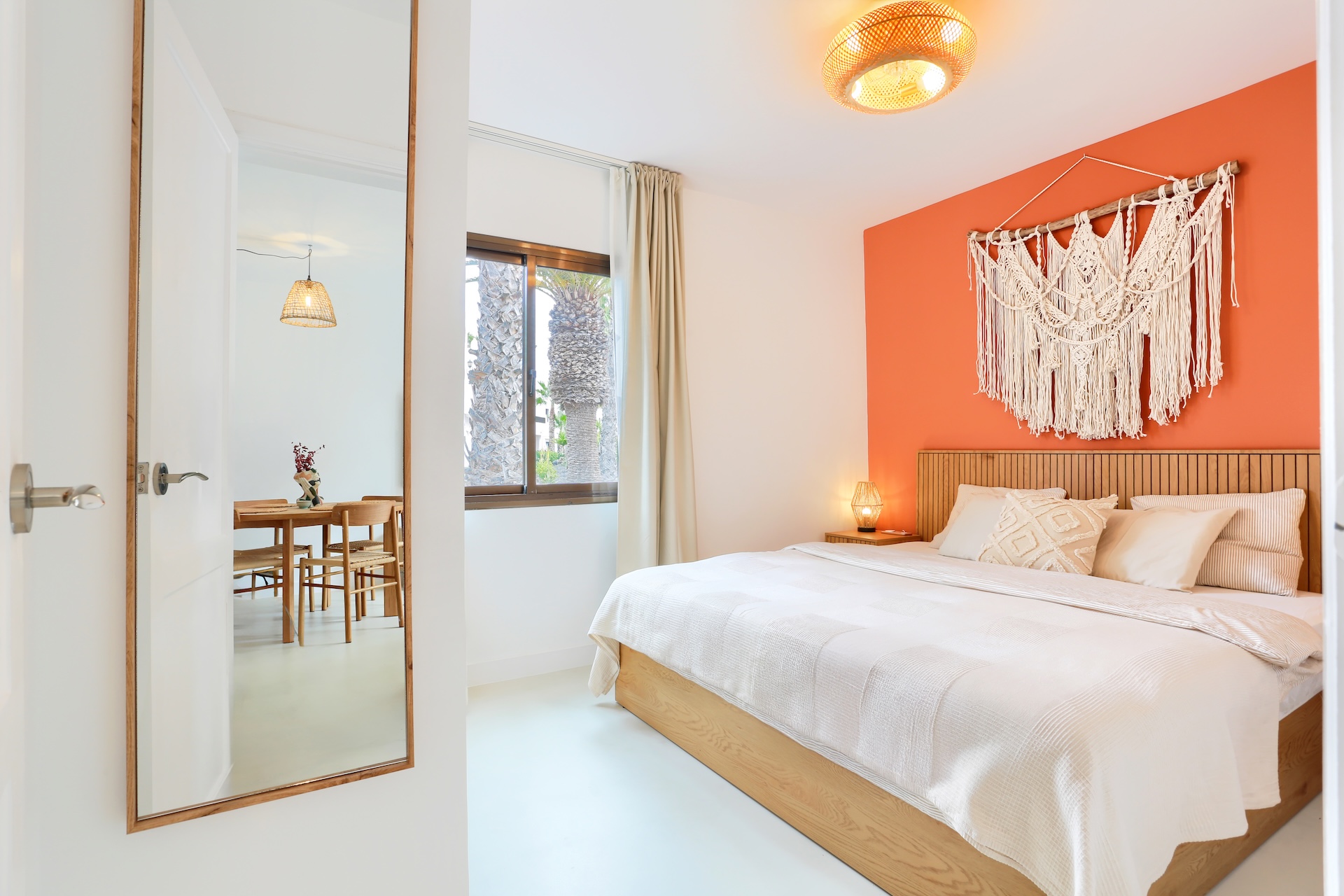
The name and the photo come from this room. Rename it on your booking page and this follows.
Not a room — the complex, the house rules, anything that is not a place in the flat. No photo.
Around here
Your own picks — where you would send a friend. Guests see them on the Guide tab.
No places yet.
Questions for your guest
Shown on their stay page as soon as they book. Keep them few — this is the one thing the portal asks for.
Removing a question hides it from new guests; answers already given are kept.
Reaching you
Shown on the arrival tab so a guest who is lost or late has somewhere to turn.